


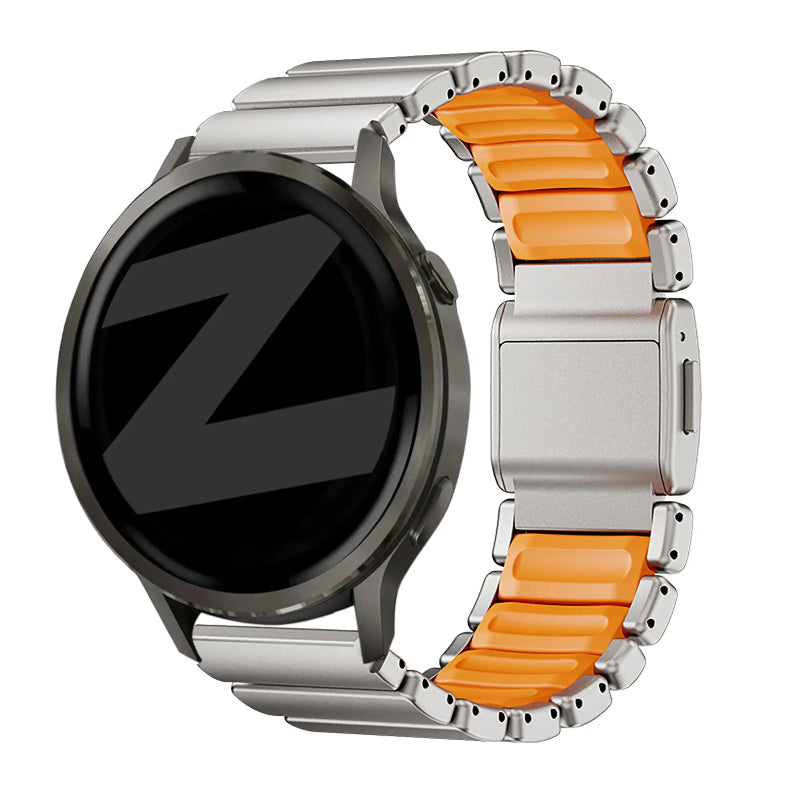
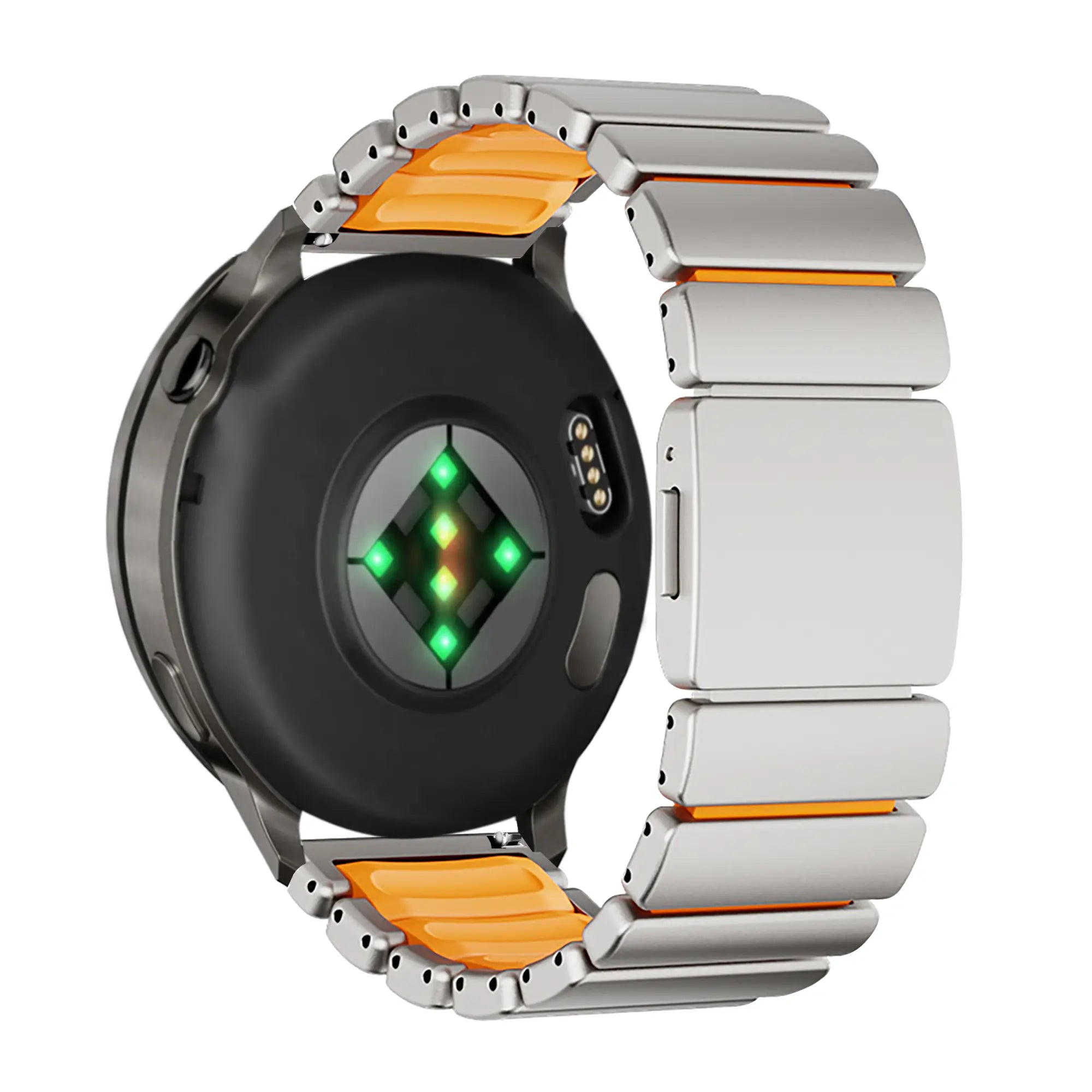
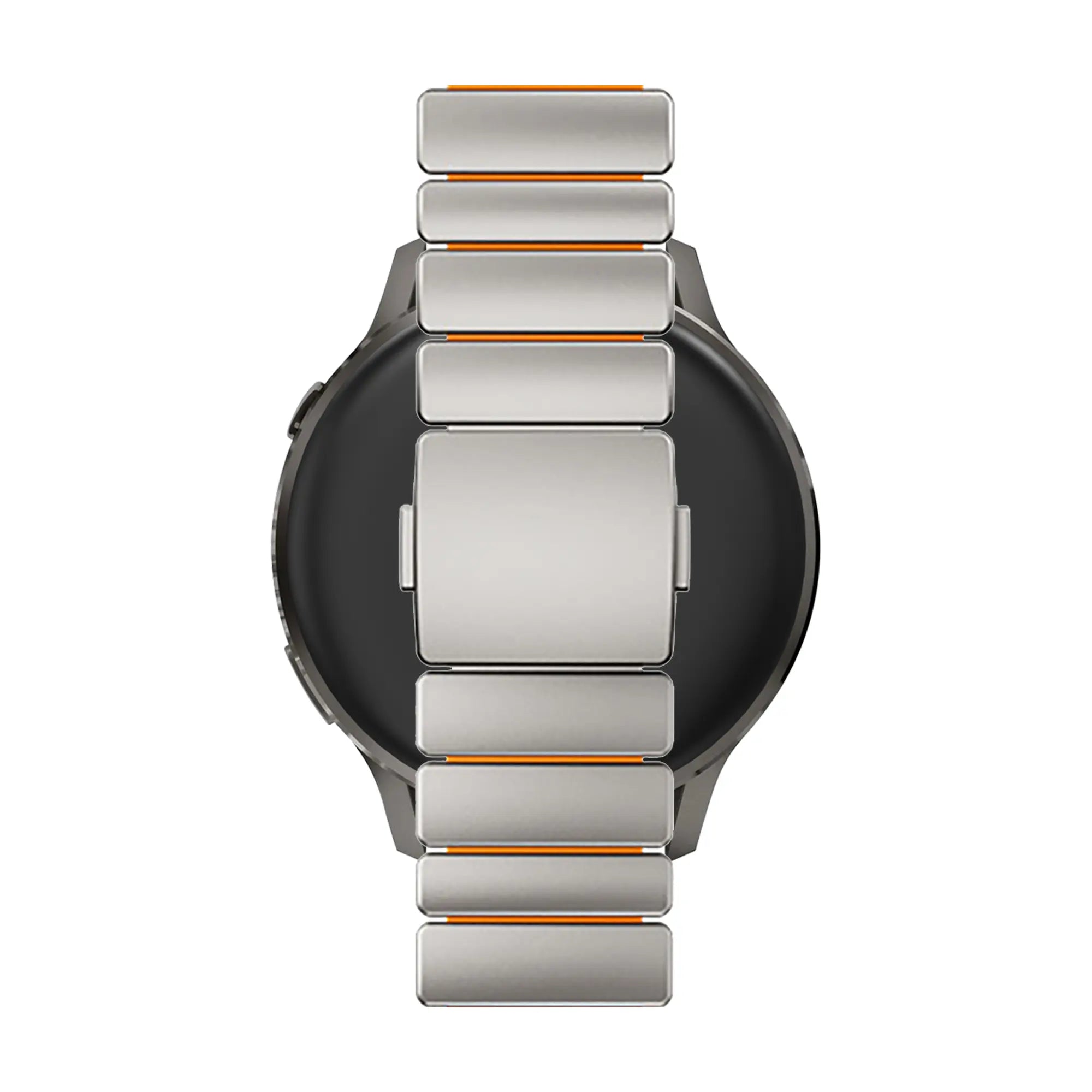
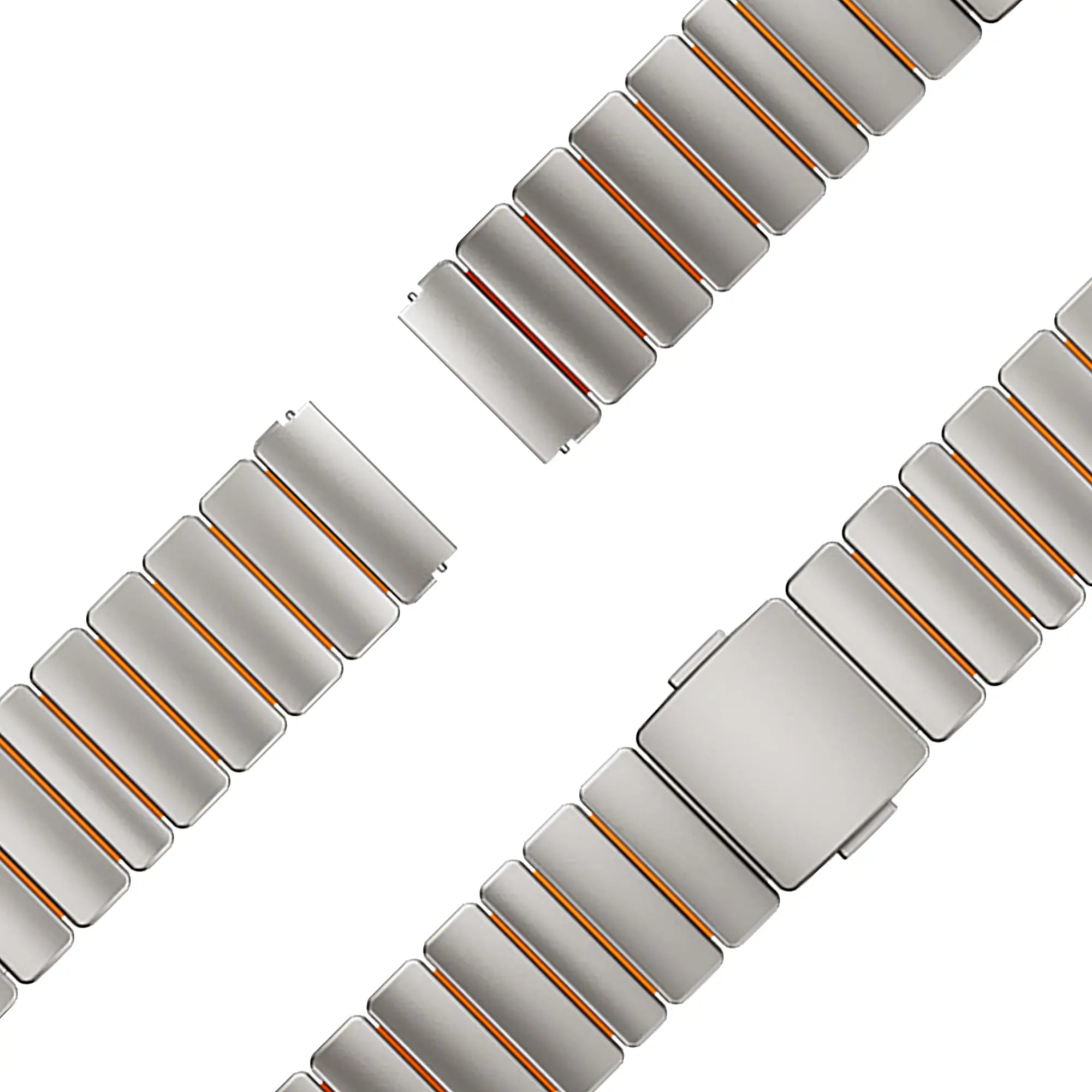
Bandz OnePlus Watch Titanium Strap 'Hybrid' (Titanium/Orange)
Bandz OnePlus Watch Titanium Strap 'Hybrid' (Titanium/Orange)


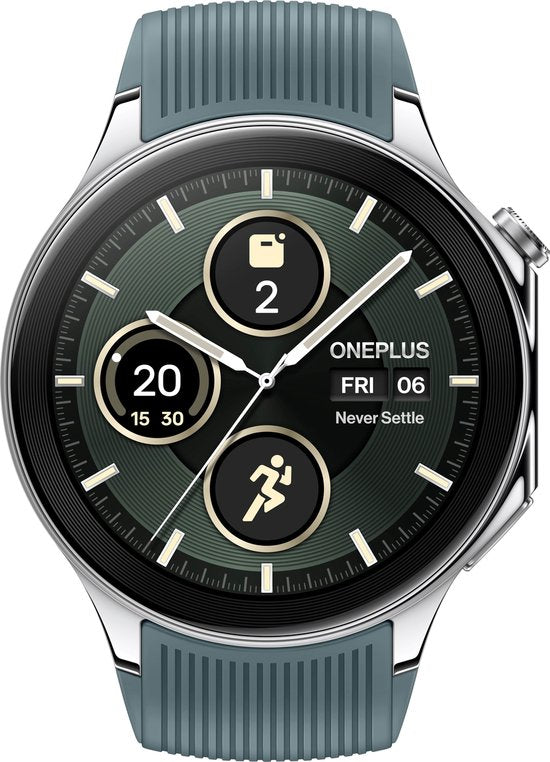

-
Lightweight and durable titanium
-
Highly corrosion-resistant
-
Quick and easy magnetic closure
-
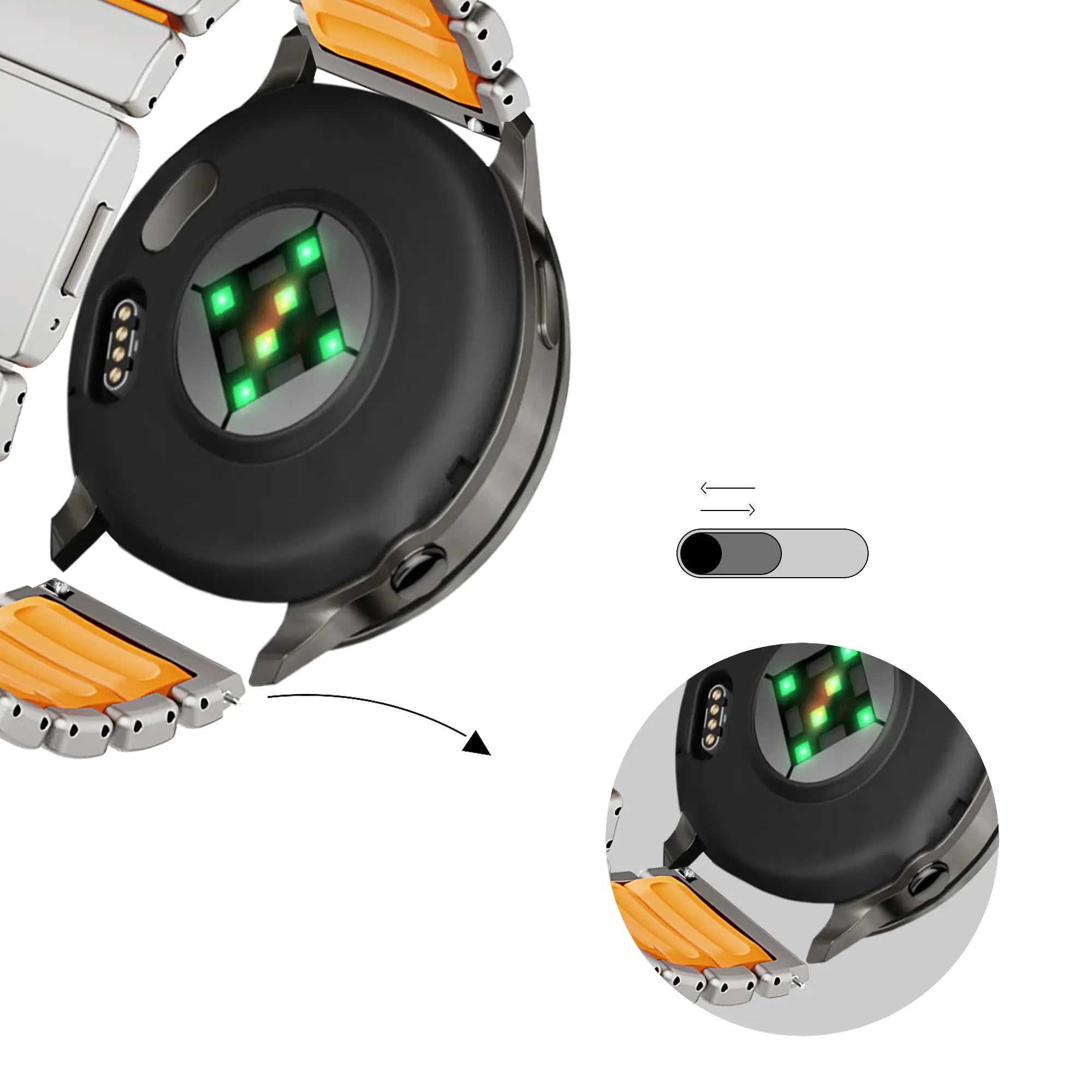
May need to be resized with an adjustment tool
Description
Bandz OnePlus Watch Titanium Strap 'Hybrid'
Enhance your smartwatch with this stylish and functional strap designed for everyday wear.
Its unique combination of materials offers both comfort and a modern aesthetic.
Material Quality
Crafted from lightweight and durable titanium, this strap balances strength with comfort seamlessly.
Durable
The strap is highly corrosion-resistant, ensuring it remains pristine even with regular use.
Why this strap?
- Lightweight and durable titanium
- Highly corrosion-resistant
- Quick and easy magnetic closure
- Perfect fit for OnePlus Watch
- EAN: 8721007986259
- Product code: 1763600NK-558-EWH
- Material: Titanium
- Colour: Titanium/orange
- Wrist size: 7.5 - 8.5 inch
- Buckle: Magnetic
- Brand: Bandz
Not 100% satisfied? No worries – you have 100 days to change your mind, and exchanges are always free. Returning or exchanging your item is quick and easy.
You’ll receive a tracking link via email as soon as your order ships.
Verstelle dein Armband wie ein Profi
Folge unserer visuellen Anleitung und erreiche die perfekte Passform in weniger als 10 Minuten.
First, check your strap:
Look at the inside of the metal links. What do you see?
Guide for Straps without Arrows
Determine your pin type: If both sides of the link have open holes, you have a spring bar system. If one side of the hole is blocked, then you have regular link strap connection.

Identify Spring Holes
If both sides of the link have open holes, you have a spring bar system. These pins are spring-loaded.

Compress & Release
Use a spring bar tool, if you're using our toolkit-removal, remove the screwdriver attachment first to make this easier.
Gently compress the pin from either side, then slide the link out while holding the pin in.

Reconnect
Align the strap and use the tool to compress the pin again so it fits back into the holes. Release the pin and make sure it clicks securely into place before wearing.


Find the Open Side
Check both sides of the strap. One side of the hole will be slightly more recessed. This is where you apply pressure.

Push Firmly
Since there are no arrows, these pins are friction-fit. Use steady, firm pressure from your link remover tool to push the pin through.

Re-lock
Insert the pointy side of the pin first and push it from the opposite direction of how it was removed. Ensure it clicks into place.

Strap still not fitting?
View Size GuidesFAQ
Is titanium a good metal for a watch strap?
Is titanium or stainless steel watch strap better?
Does titanium rust?
You may also like

On all orders above £35

When ordering before 9pm

Free exchanges, 100-day return policy

Delivered through Royal Mail
On all orders above £35
When ordering before 9pm
Free exchanges, 100-day return policy
Delivered through Royal Mail