














Which Amazfit Watch Do I Have?
🔍 Quick Identification
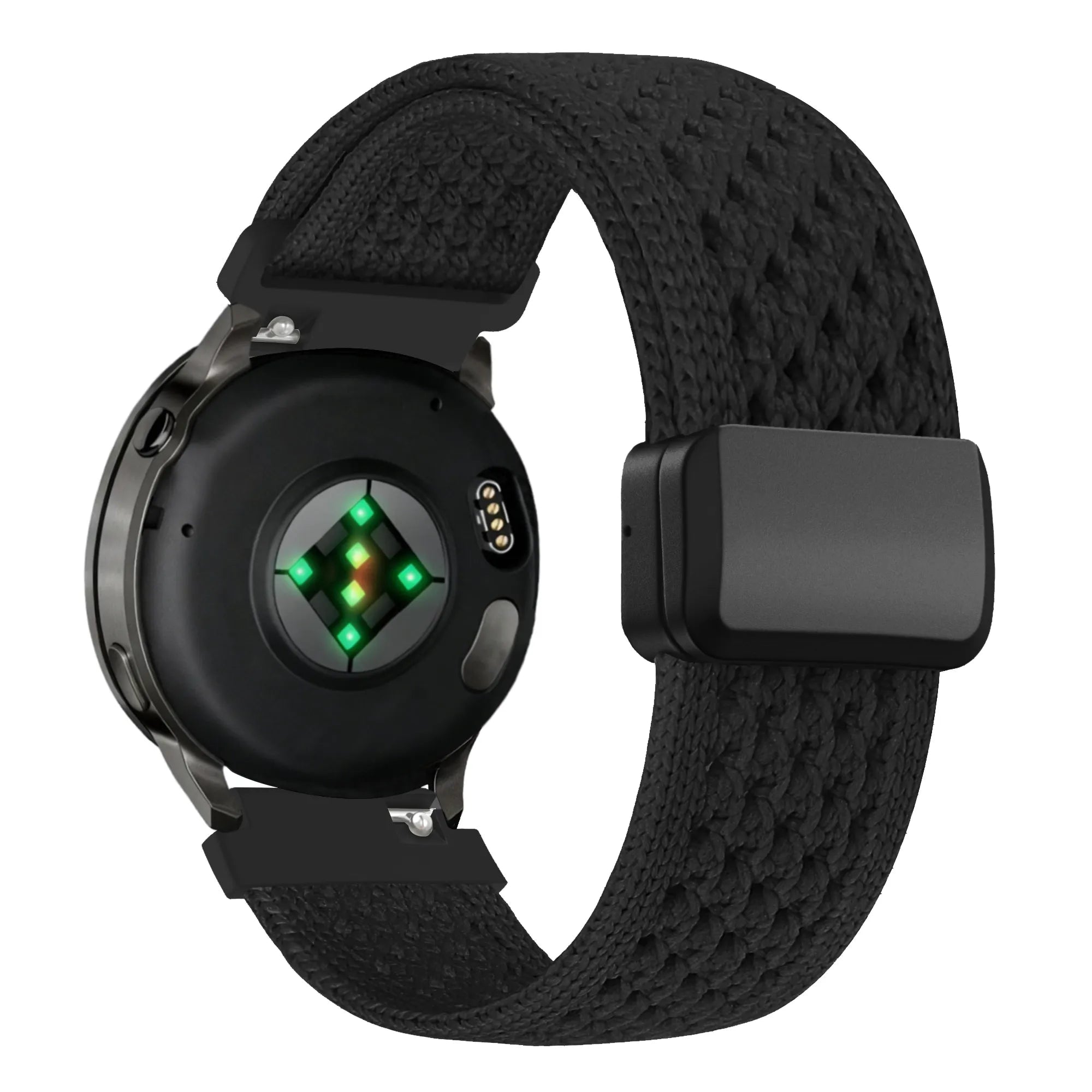
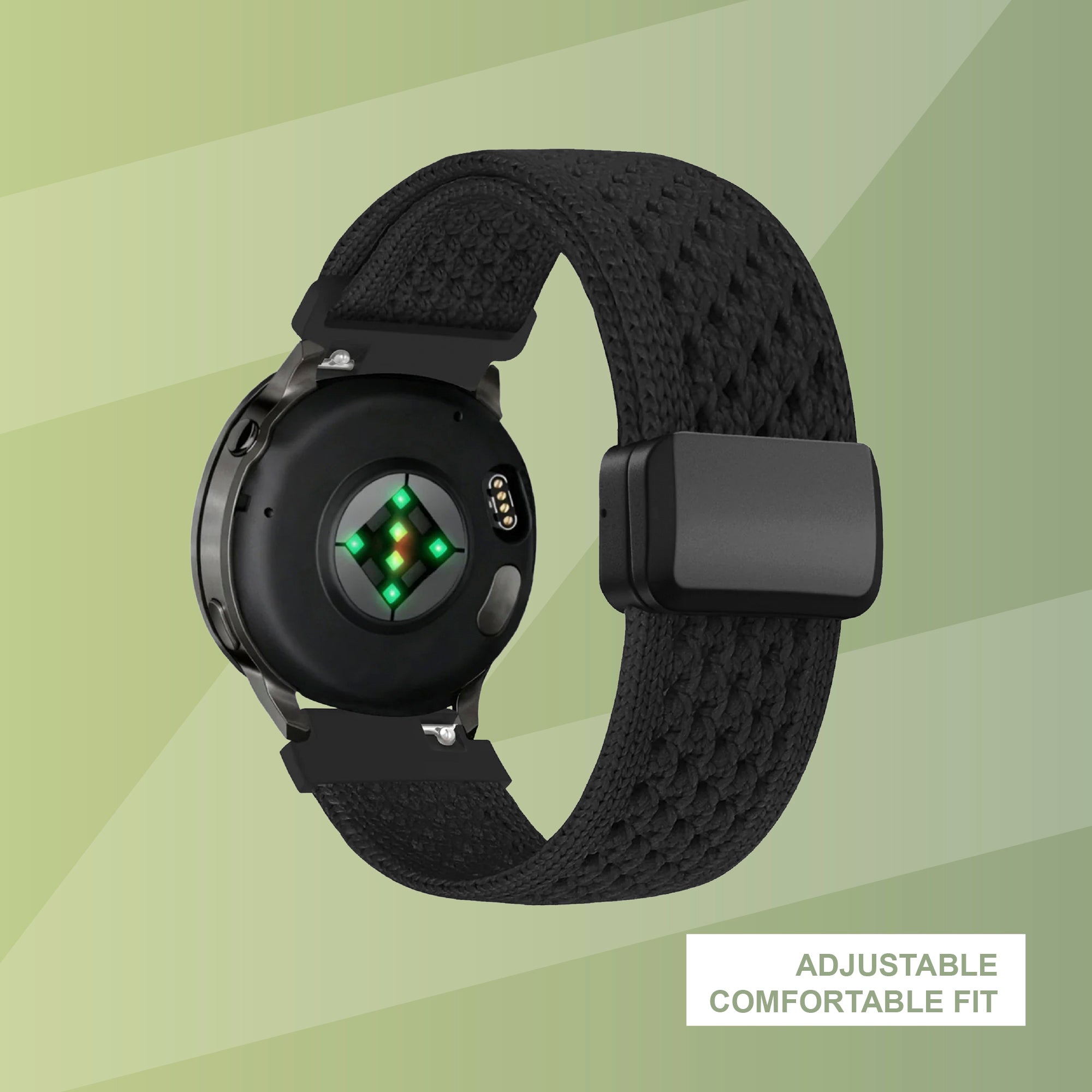
Pro Tip: Turn your Amazfit watch over. The model name (e.g., Amazfit GTR 4, GTS 4 Mini) is usually engraved on the back casing near the sensors.

Find Your Amazfit Model via Watch or App
🛠️ On the Watch
|
1
|
Open Settings ⚙️ on your Amazfit watch |
|
2
|
Scroll to System or About |
|
3
|
Check the Model Name or Model Number |

📱 Using the Zepp App
|
1
|
Open the Zepp app on your smartphone |
|
2
|
Tap Profile (bottom right) |
|
3
|
Select your connected device to view the full model name |
📦 On the Box
|
1
|
Check the barcode label on the packaging |
|
2
|
The exact model name and size will be printed there |
⚡ Instant Amazfit Strap Finder
Select your Amazfit model below to see compatible straps:
Want to Check Another Watch Brand?
If you’d like to explore straps for a different brand, go back to the main menu.
BACK TO MAIN GUIDE🚚 Free Shipping (orders > £35)
⚡ Same-Day Dispatch (before 9pm)
🇬🇧 100-day returns & exchanges
🔒 Trusted Shop Protection