








Fitbit vs Samsung (Galaxy Watch and Fit)

Fitbit vs Samsung: What Are the Differences and Which Is Right for You?
Are you trying to decide between a Fitbit and a Samsung smartwatch or fitness tracker? If so, you’re probably wondering which device best suits your needs. Do you mainly want to track your steps, sleep and heart rate, or are you looking for a smartwatch that lets you read messages, use apps and analyse your workout performance in greater detail?
Fitbit and Samsung both offer a range of wearable devices, but each brand has its own advantages when it comes to hardware and companion apps. Fitbit focuses heavily on health, sleep tracking and everyday activity. Samsung offers the Galaxy Fit, a compact fitness tracker, as well as the Galaxy Watch, a more advanced smartwatch with a wider range of features on your wrist.
The accompanying apps also play an important role. Fitbit devices now work with the Google Health app, while Samsung uses Samsung Health. The best combination for you will depend on your needs, your smartphone and the features that matter most to you.
In this guide, we compare Fitbit and Samsung in terms of features, health tracking, battery life, ease of use and price. We’ll also look at the differences between the Samsung Galaxy Fit and Galaxy Watch to help you decide which wearable is right for you.
Fitbit vs Samsung: The Main Differences
The first thing to understand is that neither Fitbit nor Samsung offers just one type of device. Fitbit has several fitness trackers and smartwatches, while Samsung sells products including the Galaxy Fit and Galaxy Watch. Rather than comparing the brands as a whole, it’s important to consider the specific devices you’re interested in.
| Feature | Fitbit | Samsung |
|---|---|---|
| Product range | Fitness trackers and smartwatches | Fitness trackers and smartwatches |
| Health app | Google Health | Samsung Health |
| Sleep tracking | Yes, depending on the model | Yes, depending on the model |
| Heart rate monitoring | Available on many models | Available on many models |
| Advanced smartwatch features | Depends on the model | Mainly available on the Galaxy Watch |
| Compact fitness tracker | For example, Inspire 3 and Charge 6 | Galaxy Fit3 |
| Battery life | Varies by model | Varies by model |
| Subscription | Core features available without a paid subscription; additional features may require Premium | Many Samsung Health features are available without a paid subscription; availability varies by feature |
| Smartphone compatibility | Compatible Android phones and iPhones, depending on the device | Galaxy Fit and Galaxy Watch devices are primarily designed for Android; compatibility varies by model |
The main similarity is that both brands help you understand your daily activity and health. The difference lies largely in how you use that information.
If your main priorities are health monitoring and sleep tracking, a Fitbit or Samsung Galaxy Fit could be a good choice. If you also want to use a wider range of features directly from your wrist, the Samsung Galaxy Watch is worth considering.
Fitbit vs Samsung Galaxy Fit: Which Fitness Tracker Is Right for You?
If you don’t need a fully featured smartwatch and simply want a compact tracker to monitor your daily activity, comparing Fitbit with the Samsung Galaxy Fit is likely to be most relevant.
The Samsung Galaxy Fit3 is a fitness tracker designed to monitor activity, sleep and everyday health data. Fitbit alternatives include the Inspire 3, Charge 6 and Fitbit Air. These models differ considerably in design, features and functionality.
Fitbit: Different Models for Different Needs
Fitbit offers trackers for a variety of users.
- Fitbit Inspire 3: A lightweight, compact tracker for monitoring steps, heart rate, sleep and everyday activity.
- Fitbit Charge 6: A more advanced fitness tracker with built-in GPS and additional health and fitness features.
- Fitbit Air: A screenless tracker designed to be comfortable enough to wear day and night while collecting health data.
This range gives you the choice of a straightforward fitness tracker, a more advanced model geared towards exercise, or a minimalist tracker without a screen.
The accompanying Google Health app brings your data together. You can use it to review your activity, sleep and other health information. Some more advanced insights and coaching features require Google Health Premium.
Samsung Galaxy Fit3: A Simple Fitness Tracker
The Samsung Galaxy Fit3 is designed for people who want to monitor their activity and health without investing in a full-featured smartwatch.
It has a colour display that lets you view your activity, notifications and workout information. You can track various activities and monitor your sleep, with the data synced to Samsung Health.
One advantage is that you can check certain statistics directly on the screen while exercising. With a screenless tracker such as the Fitbit Air, you’ll need to use your smartphone to view your data.
According to Samsung, the Galaxy Fit3 offers up to 13 days of battery life, depending on usage and settings. Actual battery life may be shorter.
Which Is Better: Fitbit or Samsung Galaxy Fit?
It depends on what matters most to you. If you want a simple tracker with a screen that lets you check your data at a glance, the Galaxy Fit3 is worth considering. If you’d prefer a lightweight tracker that you can barely feel while sleeping, the Fitbit Air may be a better option.
The Fitbit Inspire 3 is also worth considering if you want a compact tracker with a screen. The Charge 6 is particularly suitable if you value more advanced fitness features, including built-in GPS.
Rather than choosing based on the brand alone, compare the features, comfort and price of the specific models.
Fitbit vs Samsung Galaxy Watch: Which Smartwatch Is Right for You?
If you want more than a basic fitness tracker, the Samsung Galaxy Watch is an important alternative to consider.
The Galaxy Watch is a smartwatch with a touchscreen and a range of everyday features. Depending on the model, you can view notifications, use apps, track workouts and monitor health data.
Fitbit also offers smartwatches, including the Versa 4 and Sense 2. It also has devices that focus more heavily on fitness tracking. It’s therefore worth deciding what you want from a smartwatch before comparing specific models.
Samsung Galaxy Watch: More Features on Your Wrist
A Galaxy Watch is a good option if you don’t want to reach for your smartphone every time you need to do something. Depending on the model and configuration, you can view notifications, make phone calls, use apps and track workouts.
Samsung also offers a range of health features through Samsung Health. Some Galaxy Watch models support ECG measurements and additional health monitoring tools. Availability varies by model, smartphone and region.
One important consideration is that certain features only work when paired with a Samsung smartphone. This includes specific functions within Samsung Health Monitor.
Fitbit: A Focus on Health and Everyday Use
Fitbit takes a slightly different approach. The range of smartwatch features varies by model, but health, sleep and everyday activity remain central to the experience.
The Fitbit Versa 4 has a larger display, built-in GPS and a range of practical smartwatch features. The Sense 2 places greater emphasis on health insights and includes an ECG feature, subject to availability and applicable requirements.
If you’d rather have a compact tracker that primarily collects health and activity data, a Fitbit such as the Inspire 3 or Charge 6 may be more suitable than a smartwatch.
Which Is Better: Fitbit or Samsung Galaxy Watch?
Samsung is particularly appealing if you want a smartwatch with a wide range of on-screen features and strong integration with your Android smartphone.
Fitbit is worth considering if your priorities are health monitoring, sleep tracking and keeping track of your daily activity. However, the range varies by model: comparing a Fitbit Versa 4 with a Galaxy Watch is very different from comparing a Fitbit Inspire 3 with a Galaxy Watch.
Our advice is to decide whether you really need an advanced smartwatch or whether a compact fitness tracker would be sufficient. This will make your decision much easier.
Fitbit vs Samsung Health: Which Health App Is Better?
The device itself is only part of the equation. Its companion app also affects how easy and enjoyable it is to use. Fitbit devices sync with Google Health, while Samsung wearables use Samsung Health.
Both apps collect health and activity data, but they differ in how information is presented, which features are available and how they integrate with other services.
Google Health: The App for Fitbit
Since May 2026, the former Fitbit app has been called Google Health. The app brings health and fitness data together in an updated environment, with sections covering everyday activity, sleep and health.
When you use a compatible Fitbit, you can review information such as your steps, heart rate, sleep data and workouts. The information available depends on your device and its features.
Google Health Premium offers additional features, including personalised coaching and more detailed insights. You don't automatically need a paid subscription to access basic tracking.
One advantage of Fitbit is that its devices are designed to collect health data over time. This allows you to monitor changes in your sleep, activity and other measurements.
Samsung Health: Health and Fitness in One App
Samsung Health is Samsung's health and fitness app. It lets you review your steps, activity, workouts, sleep and heart rate.
When you use a compatible Galaxy Watch, you can access additional data and features associated with the watch. The available functions vary by model.
Samsung Health is particularly appealing if you already use a Samsung smartphone and other Samsung devices. The data and settings integrate neatly with the wider Samsung ecosystem.
Many core Samsung Health features are available without a paid subscription. However, certain functions have additional requirements or are only available with specific devices.
What Are the Main Differences?
| Feature | Google Health | Samsung Health |
|---|---|---|
| Steps and daily activity | Yes | Yes |
| Sleep tracking | Yes, with a compatible Fitbit | Yes, with a compatible Samsung wearable |
| Heart rate data | Depends on the device | Depends on the device |
| Personalised coaching | Additional features through Premium | Available insights vary by device and feature |
| Integration with its own ecosystem | Fitbit and other supported Google Health sources | Samsung wearables and supported Samsung services |
| Paid subscription | Required for certain advanced features | Many core features are available without a paid subscription |
Can You View Fitbit Data in Samsung Health?
Not every Fitbit can be connected directly to Samsung Health. Fitbit devices initially sync their data with Google Health.
If you want to share data between different health apps, this depends on supported data-sharing options, compatible services and the relevant settings. Not all measurements can be transferred, and syncing does not always work in both directions.
It's therefore worth checking which data you want to keep and which app you want to use before setting everything up.
Which app is better? That depends on your preferences. Google Health is the natural choice for Fitbit users, while Samsung Health fits neatly into the Samsung ecosystem. Focus on the information you actually want to track and how easily you can access it.
Does Fitbit Work with a Samsung Phone?
Yes, many Fitbit devices are compatible with Samsung smartphones. You don't need a Google Pixel phone to use a Fitbit.
For supported Fitbit devices, you'll need the Google Health app and a compatible smartphone. Google lists the Fitbit Air as supporting most Android phones running Android 11 or later, as well as iPhones running iOS 16.4 or later. Requirements may vary between Fitbit models.
It's important to distinguish between pairing a device with your phone and syncing data between different health apps.
Connecting a Fitbit to your Samsung phone allows you to set up your tracker through the relevant app and sync your data. However, this doesn't automatically mean that all your Fitbit data will appear in Samsung Health.
If you want to know how to connect your Fitbit to a Samsung Galaxy phone, take a look at our separate guide to setting up and connecting a Fitbit to a Samsung phone.
Price and Battery Life: Fitbit or Samsung?
Price and battery life can play an important role in your decision. It's worth comparing specific models rather than looking at each brand as a whole.
Price
Fitbit offers compact trackers at different price points. A straightforward model such as the Inspire 3 is priced differently from a more advanced tracker such as the Charge 6 or a smartwatch.
The same applies to Samsung. The Galaxy Fit3 belongs to a different product category from the Galaxy Watch. A more advanced smartwatch offers additional features, but it will generally cost more.
Remember to factor in any subscription costs, too. Fitbit provides core features without a paid Premium subscription, although some advanced insights and coaching features are part of Google Health Premium. Samsung Health also offers many core features without a paid subscription, although certain functions may have additional requirements.
Battery Life
Battery life varies between models.
- Fitbit Inspire 3: Up to 10 days, according to the specifications.
- Fitbit Charge 6: Up to 7 days.
- Fitbit Versa 4: 6 days or more, depending on usage.
- Samsung Galaxy Fit3: Up to 13 days, according to Samsung.
- Samsung Galaxy Watch: Battery life varies by model and usage.
Using GPS, an always-on display or other power-intensive features can drain the battery more quickly. The advertised battery life should therefore be treated as a guide rather than a guarantee.
If you want to wear your tracker overnight to monitor your sleep, a longer battery life can be particularly useful, as you'll need to take it off to charge it less often.
Where Fitbit Is Better
Fitbit is particularly appealing if you're looking for a wearable that helps you understand your everyday health and activity.
1. A Wide Choice of Compact Trackers
From the Inspire 3 and Charge 6 to the Fitbit Air, you can choose from different sizes and feature sets. This means there's a Fitbit for people who simply want to count their steps, as well as users who want more advanced fitness measurements.
2. A Strong Focus on Sleep Tracking
Fitbit places considerable emphasis on sleep monitoring. Depending on the model, you can review information such as sleep duration, sleep stages and your sleep score.
3. Designed for Everyday Wear
Many Fitbit models are relatively compact and lightweight. This can be particularly useful if you want to wear your tracker throughout the day and while sleeping.
4. Core Features Without a Mandatory Paid Subscription
You can generally access the main activity and health data without a paid Premium subscription. Additional coaching and more detailed insights may require a subscription.
Where Samsung Is Better
Samsung is particularly appealing if you want more than a basic fitness tracker.
1. Advanced Smartwatch Features
The Galaxy Watch offers a touchscreen, apps and a range of everyday functions. This makes it attractive if you want to access plenty of information directly from your wrist.
2. Strong Integration with Samsung Smartphones
If you already use a Samsung Galaxy phone, a Galaxy Watch or Galaxy Fit can fit neatly into the Samsung ecosystem. The available features do, however, depend on the model and software.
3. Samsung Health as a Central Health App
Samsung Health brings together data about daily activity, sleep and exercise. With a compatible Galaxy Watch, you can also access additional health monitoring features.
4. A Choice of Fitness Trackers and Smartwatches
With the Galaxy Fit and Galaxy Watch ranges, Samsung offers different types of wearable. You can choose a straightforward fitness tracker or a more advanced smartwatch, depending on your needs and budget.
Conclusion: Should You Choose Fitbit or Samsung?
Whether Fitbit or Samsung is the better choice depends largely on what you want from your wearable.
If you mainly want to track your steps, sleep, heart rate and everyday activity, Fitbit is well worth considering. You can choose from compact trackers such as the Inspire 3, more advanced fitness trackers such as the Charge 6, and screenless devices such as the Fitbit Air.
If you'd like more features directly on your wrist, including apps, notifications and advanced smartwatch functionality, a Samsung Galaxy Watch is likely to be more appealing. If you prefer a simple tracker with a screen, the Galaxy Fit3 is an alternative worth comparing with compact Fitbit models.
The apps also deserve consideration. Fitbit devices work with Google Health, while Samsung wearables use Samsung Health. Both provide insights into your health and activity, but the available features and the way information is presented differ.
Don't make your decision based on price or brand alone. Think about which features you'll use every day, how long you need the battery to last and whether you want a screen on your wrist. This will help you choose the wearable that best fits your lifestyle.
Goes with this article
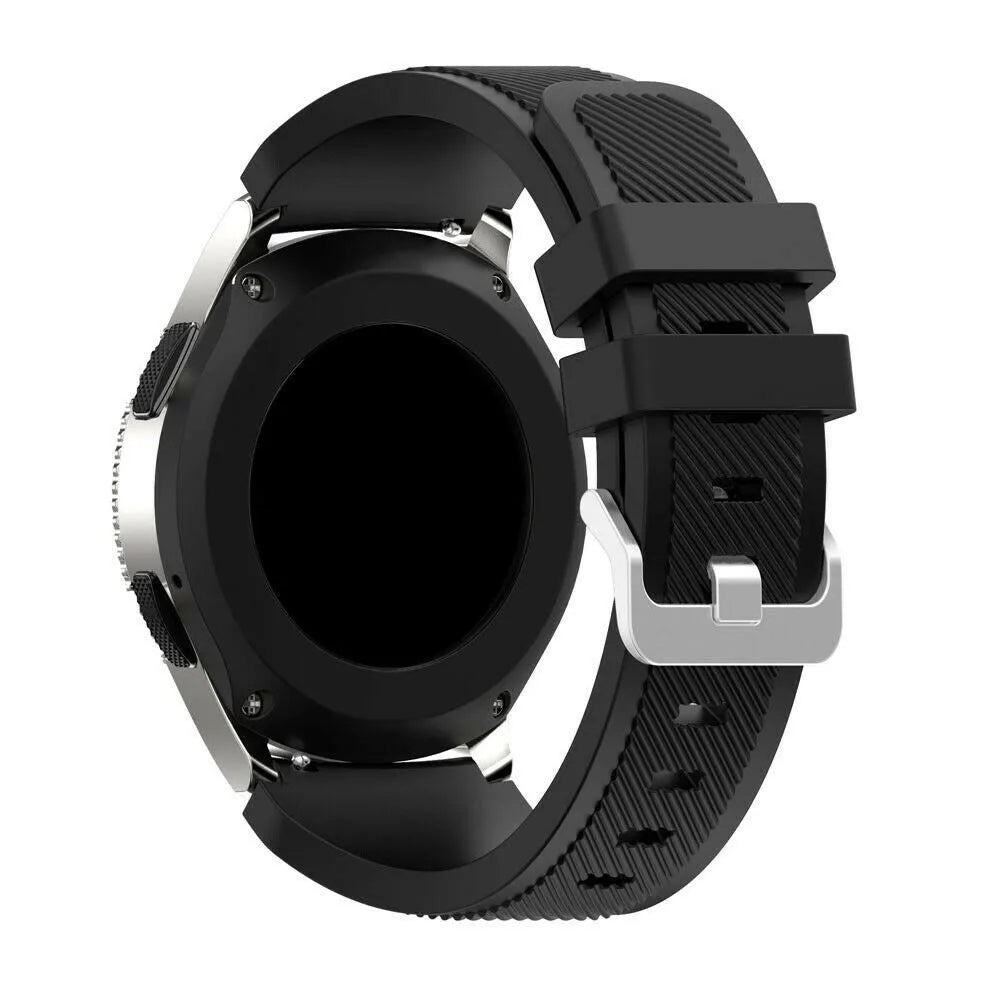
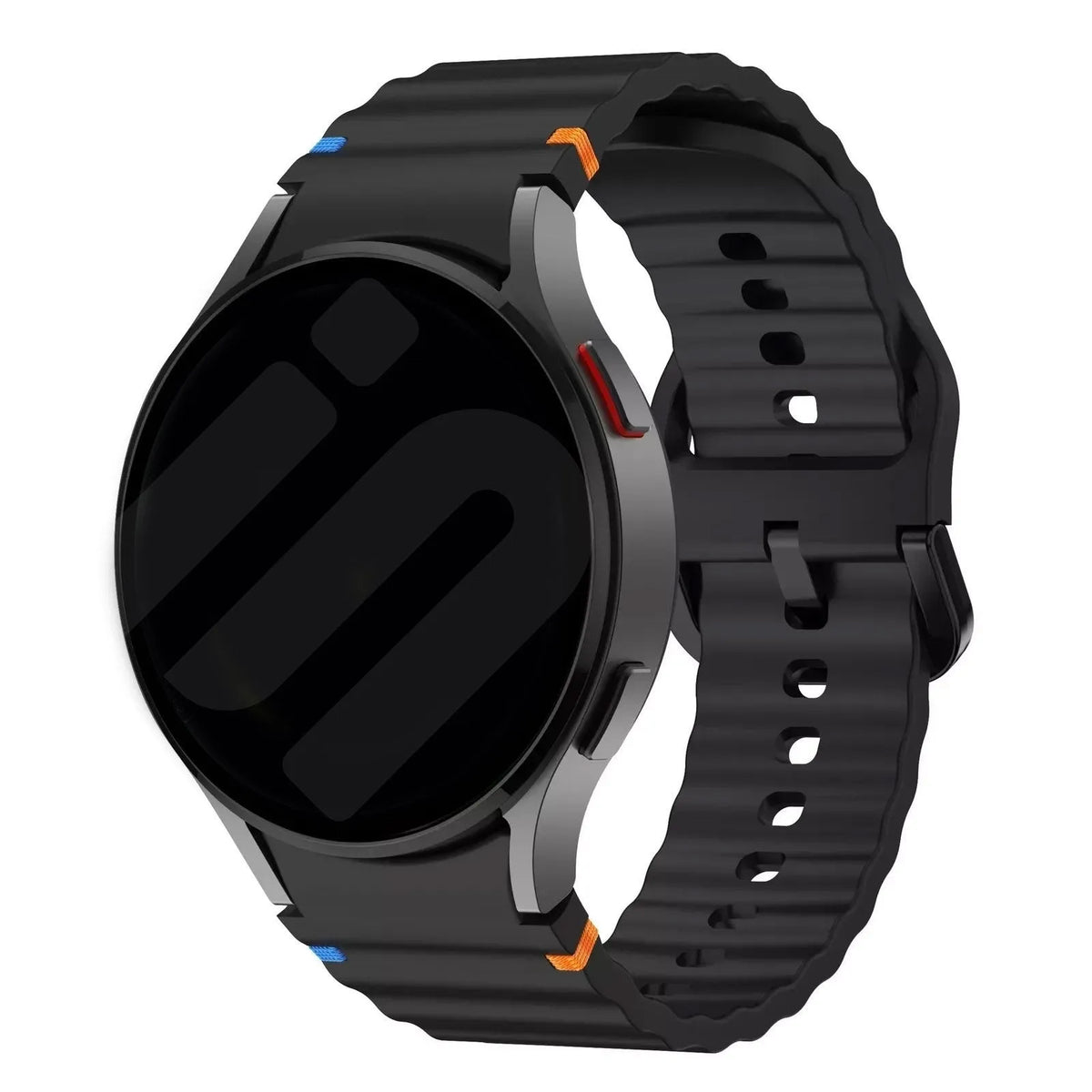
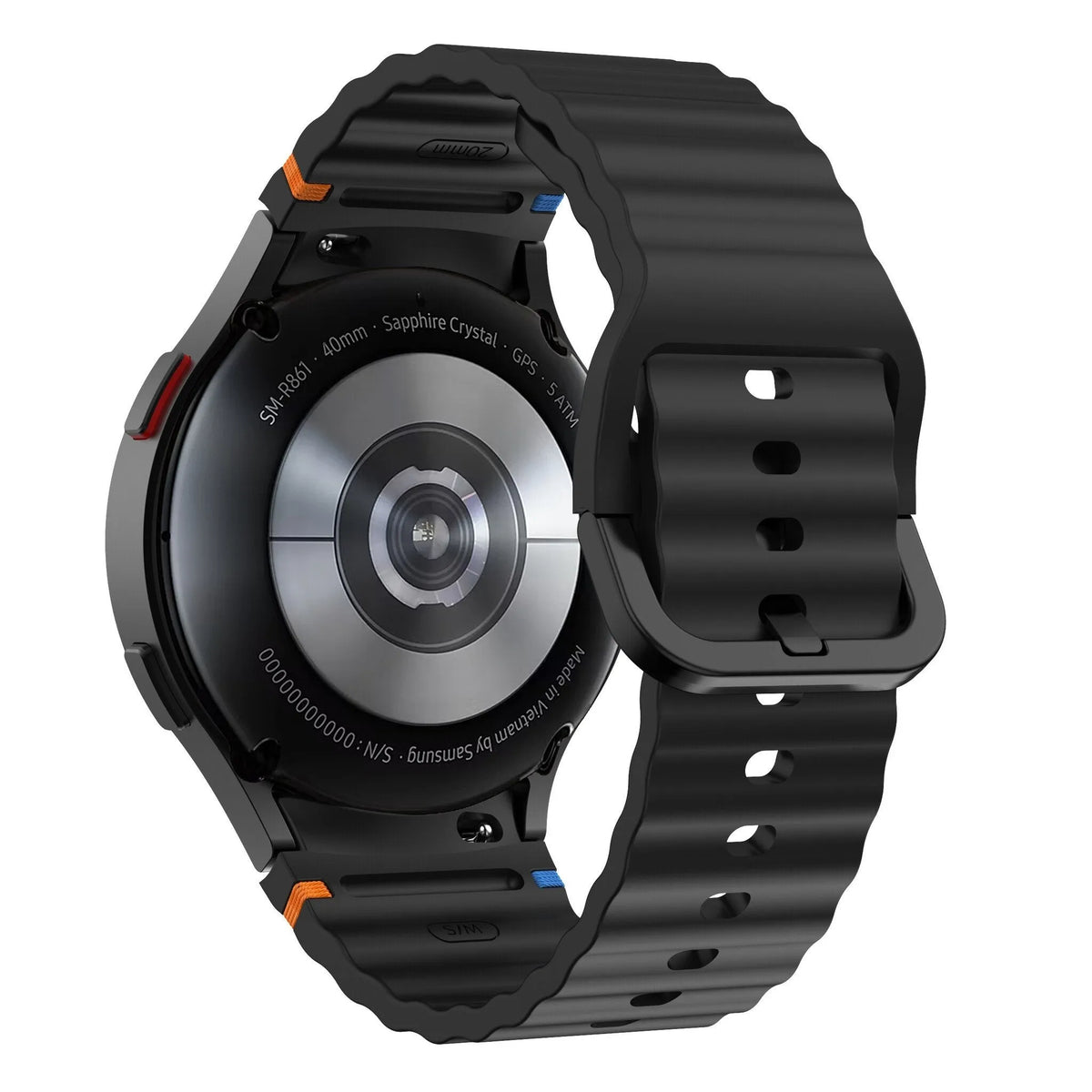
3 for 2 on all strapsSamsung Watch Straps
View all

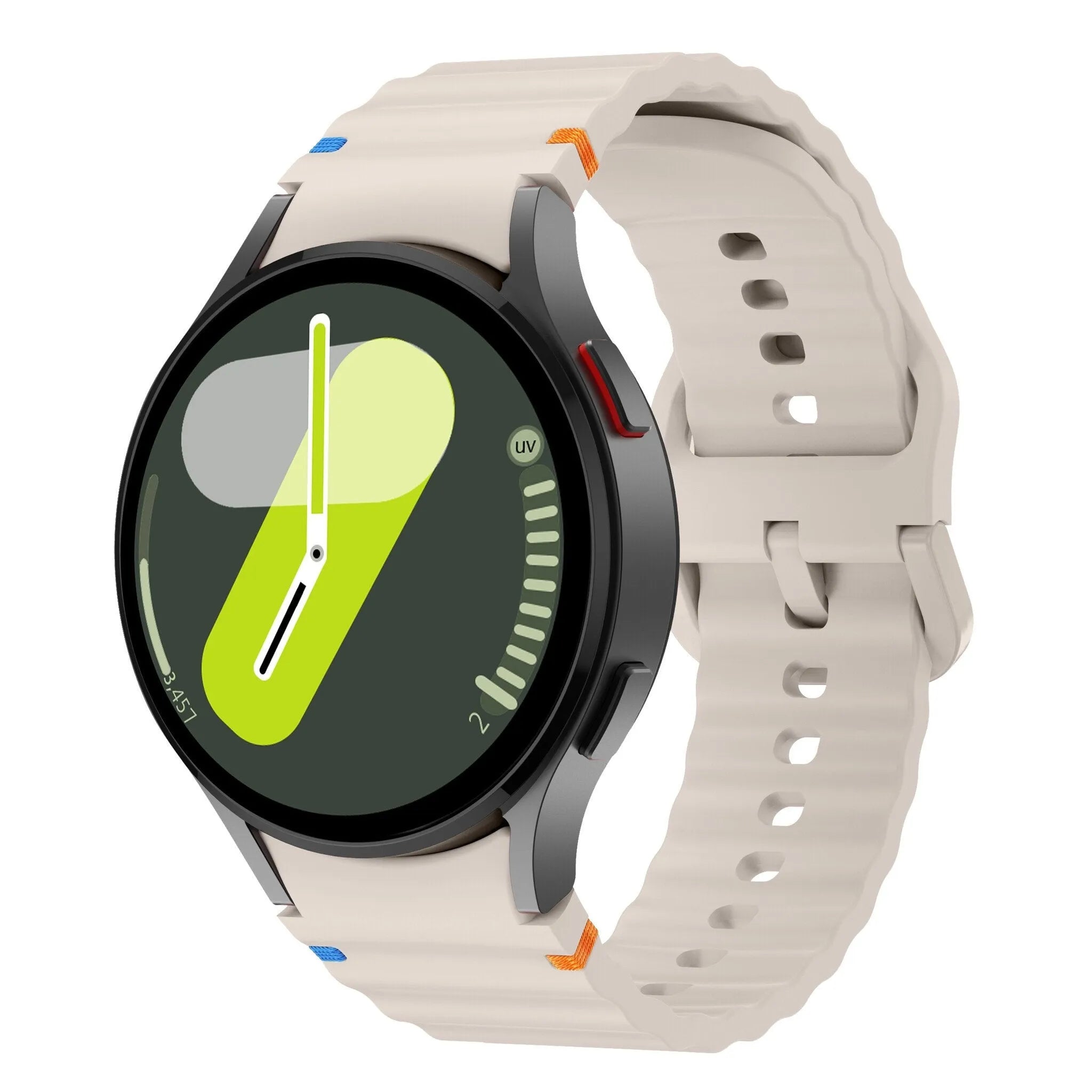


Fitbit Straps
View all


Frequently Asked Questions About Fitbit and Samsung
Which Is Better: Fitbit or Samsung?
Fitbit is a good option if you mainly want to monitor your everyday health, sleep and activity. Samsung is appealing if you want advanced smartwatch features alongside health tracking. The best choice depends on the specific model and your personal preferences.
What Is the Difference Between Fitbit and Samsung Health?
Fitbit devices sync with Google Health, the new name for the former Fitbit app. Samsung devices use Samsung Health. Both apps track information such as activity and sleep, but their features, presentation and integrations differ.
Can You Replace the Watch Straps on Fitbit and Samsung Devices?
Yes, the straps can be replaced on most Fitbit and Samsung models. However, many devices require a specific type of strap, and straps are not generally interchangeable between different models. Visit the Samsung watch straps or Fitbit watch straps pages and select the model you need a replacement strap for.
Can I Use a Fitbit with a Samsung Phone?
Yes, many Fitbit models work with compatible Samsung smartphones. You can use the Google Health app to set up your device and sync your data. Check the system requirements for your specific Fitbit model before getting started.
Can I Connect Fitbit to Samsung Health?
Not every Fitbit can be connected directly to Samsung Health. Fitbit data is initially synced with Google Health. Sharing data between health apps depends on the available integrations and supported measurements.
What Is the Difference Between Samsung Galaxy Fit and Fitbit?
The Samsung Galaxy Fit is a compact fitness tracker with a screen for viewing activity data and notifications. Fitbit offers several types of tracker, including the Inspire 3, Charge 6 and Fitbit Air. The best model to compare depends on the features you're looking for.
Which Is Better: Samsung Galaxy Watch or Fitbit?
A Samsung Galaxy Watch is particularly suitable if you want a wide range of smartwatch features. Fitbit may be a better fit if your priorities are health, sleep and everyday activity tracking. Make sure you compare specific models, as features can vary considerably between devices.
Which Tracker Has the Longest Battery Life?
It depends on the model. The Fitbit Inspire 3 offers up to 10 days of battery life, while the Samsung Galaxy Fit3 is rated for up to 13 days. Actual battery life depends on settings, usage and software.
Do I Need a Subscription for Fitbit?
No, you generally don't need a paid subscription to access Fitbit's core features. Google Health Premium offers additional benefits, including more detailed insights and personalised coaching.
Does Samsung Health Work with an iPhone?
Samsung Health availability and Samsung wearable compatibility vary by device. Current Galaxy Watch models do not support pairing with an iPhone. Check the latest compatibility requirements before buying a Samsung wearable.
Can Fitbit and Samsung Track Your Sleep?
Yes, both brands offer sleep tracking on compatible devices. The available data and analysis vary by model. Some features require you to wear the device overnight and collect sufficient data.
 Our strap expert
Jeffrey van BattumCEO & smartwatch strap specialist at Smartwatch-straps.co.ukMeet Jeffrey
 Comparison
 Buying guide
 Buying guide


