


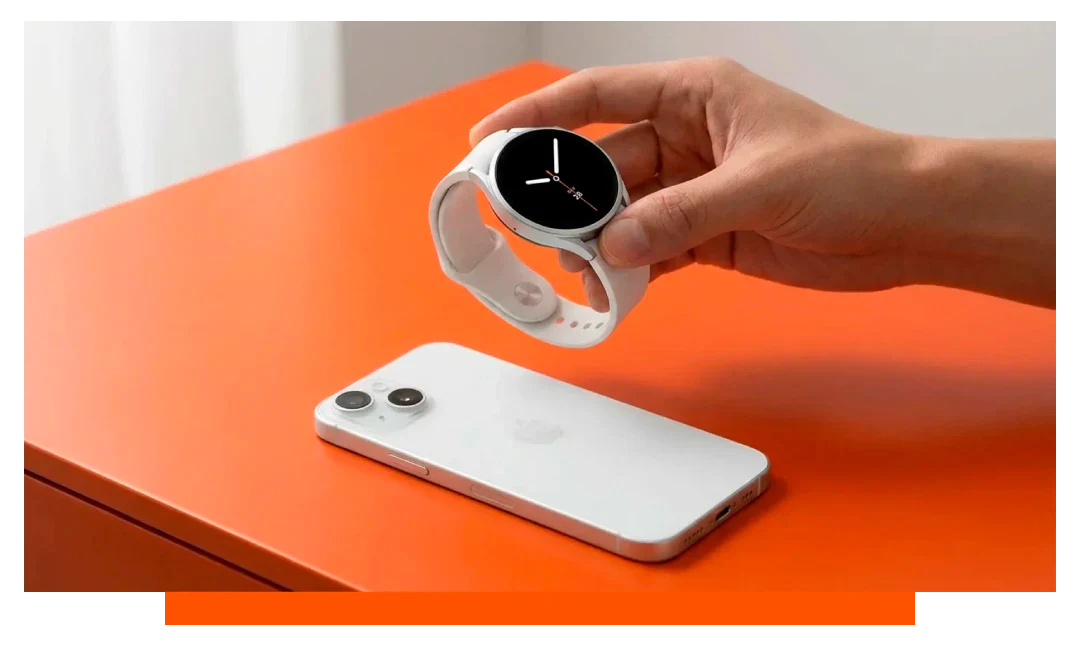
No. The Samsung Galaxy Watch 8 - Bluetooth or LTE - cannot pair with an iPhone because the Galaxy Wearable app is not available on iOS for current Samsung watches. You need an Android phone with Google Mobile Services to set up, update, and use core features like notifications, calls, ECG, and app installs.
Can a Samsung watch be used with an iPhone?
As of the Galaxy Watch 8 generation, Samsung does not support iOS pairing. The Galaxy Wearable app and required services are only offered on Android. Without that app, the watch cannot complete provisioning or sync with an iPhone.
Even if an iPhone sees the Galaxy Watch 8 over Bluetooth, pairing halts when the watch requests the Wearable app QR code. That code opens Google Play, not the App Store. No calls, messages, or health data can be routed to iOS.
The same restriction applies to both Galaxy Watch 8 Bluetooth and Galaxy Watch 8 LTE versions. LTE cannot be activated with an iPhone because the eSIM flow requires the Android Wearable app and carrier plugins. Updates, backups, and Samsung account sign-in also require Android.
What about older Samsung models?
Older models like Gear S3, Galaxy Watch, and Galaxy Watch 3 once had limited iOS support via Samsung Galaxy Watch on the App Store. Features were reduced, covering basic notifications and activity tracking. That app has been deprecated, and new pairing on modern iOS versions is often unreliable or blocked.
If a legacy unit remains paired to an older iPhone, some functions may still limp along. However, fresh setup on recent iOS versions is unlikely to work, and security updates have ceased. For practical purposes, modern Samsung wearables are Android only.
Can I connect my iPhone to my Android watch?
In general, no for current models. Wear OS 3 and newer - used by Samsung Galaxy Watch 8 - require an Android phone with Google Mobile Services, typically Android 10 or later. Google dropped official iOS pairing for modern Wear OS to reduce complexity and improve performance.
There are exceptions outside Wear OS, such as some hybrid or fitness-first devices that offer iOS apps. But if you are asking about a full Android smartwatch experience with notifications, replies, apps, and payments, modern Android watches do not pair with iPhone.
Why was iOS support dropped?
Two reasons dominate: reliability and security. Deep features like message replies, call handling, secure payments, and background sync need APIs that work best when both phone and watch share the same platform.
Bridging platforms forces heavy translation layers, increases battery drain, and adds multiple failure points. Maintaining two stacks doubles testing matrices across iOS versions, watch firmware, and OEM customizations, which slowed updates and limited features.
Galaxy Watch 8 vs Apple Watch 11 on iPhone
If you use an iPhone, Apple Watch 11 is the fully supported route. It pairs through the native Watch app, enables Siri, Apple Pay, ECG, cycle tracking, and App Store installs, and integrates with iOS Health.
Galaxy Watch 8 - Bluetooth or LTE - does not pair with iPhone and cannot access notifications, calls, or Samsung Health on iOS. Attempted Bluetooth-only pairing ends at the QR prompt that requires Android.
Setup requirements at a glance
| Watch | iPhone pairing | Official iOS app | Setup without Android | Core features on iPhone |
|---|---|---|---|---|
| Galaxy Watch 8 Bluetooth | No | No | No | None - cannot pair |
| Galaxy Watch 8 LTE | No | No | No | None - cannot pair |
| Apple Watch 11 | Yes | Built-in Watch app | Yes | Full - calls, messages, apps |
For Galaxy Watch 8, Samsung specifies an Android phone running Android 10 or newer with Google Play Services. Apple Watch 11 requires a compatible iPhone running the latest iOS via the native Watch app. Cross-platform pairing is not supported for either brand.
Workarounds people ask about
Bluetooth-only pairing tricks do not work. The watch requires the Galaxy Wearable handshake to provision security keys, install plugins, and grant permissions. Without that, the connection times out or remains uninitialized.
Third-party bridge apps cannot inject themselves into Samsung's provisioning pipeline. They also cannot grant notification listeners, SMS permissions, or eSIM access on iOS. At best, they display mirrored data with delay and instability, which fails for calls, replies, and health exports.
Carrier eSIM activation on Galaxy Watch 8 LTE also depends on Android-only carrier modules. QR codes issued for Apple Watch lines are incompatible with Samsung's eUICC workflows. No carrier in-market supports provisioning a Samsung watch through iOS tools.
What still works without pairing?
Out of the box, a Galaxy Watch 8 requires the Wearable app to finish setup. Without it, you cannot accept terms, sign into a Samsung account, or enable sensors fully. Offline functions like alarms or timers are constrained and unsynced.
If you borrow an Android phone to set up, you still cannot keep iPhone integration afterward. Notifications, calls, and data sync route to the Android device paired during setup. The watch supports one primary phone link at a time.
Alternatives that pair with iPhone
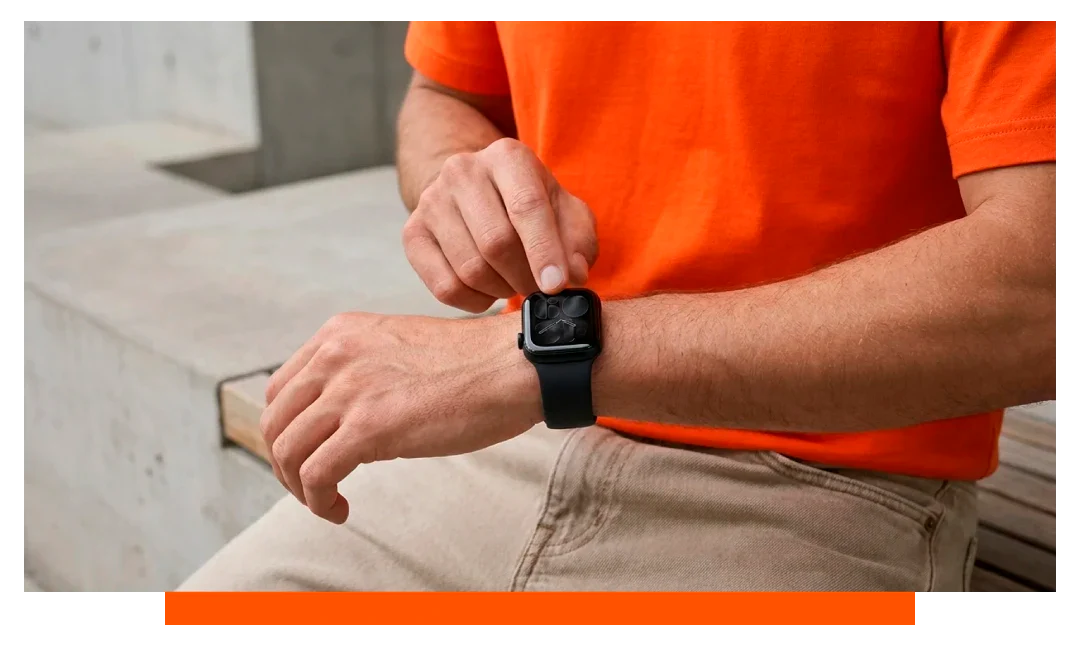
Apple Watch 11 is the frictionless choice for iPhone owners. It pairs in under 5 minutes, supports Apple Pay, and syncs health metrics into Apple Health securely.
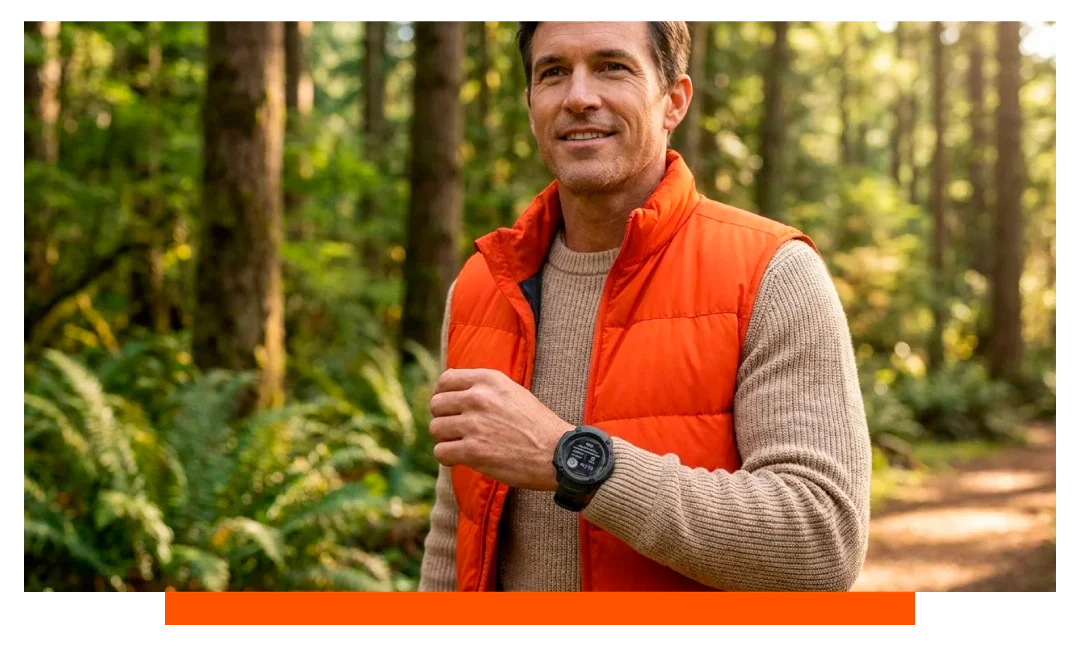
You can personalise it with premium Apple Watch straps and complete your setup with thoughtful Apple Watch accessories. Other iPhone-friendly ecosystems include Garmin and Withings, which offer native iOS apps and broad notification support.
- Apple Watch
- Garmin
- Withings
- Fitbit
Numbers that matter for compatibility
Galaxy Watch 8 targets Android 10 or newer and requires Google Play Services present on the phone. Bluetooth radios use standard 2.4 GHz, but provisioning still needs the Wearable app. Health features like ECG and irregular rhythm notifications are gated by region and phone support.
Apple Watch 11 integrates with iOS Health and iCloud for backups and sharing. Typical all-day battery estimates sit around a full day of mixed use, with longer life in low power modes. Emergency SOS and fall detection rely on iPhone connectivity or LTE variants.
Frequently asked questions
Can I get notifications on Galaxy Watch 8 from an iPhone?
No. Notifications require the Galaxy Wearable framework and notification listener permissions on the phone. Those are not available on iOS for current Samsung watches.
Does Galaxy Watch 8 LTE work standalone with an iPhone?
No. LTE activation and account linking require an Android phone with the Wearable app and carrier plugin. Even after activation, calling and messaging features depend on Android services.
Can I use a friend's Android phone for setup, then switch to iPhone?
You can set up with Android, but the watch will remain tied to that phone. Switching severs features when no Android device is present. iPhone cannot assume control afterward.
Is Samsung Health available on iOS for Galaxy Watch 8?
Samsung Health is available on iOS for phones, but it does not connect to Galaxy Watch 8. The bridge required for sync is part of Galaxy Wearable, which is Android only. You cannot import watch sensor data directly into iOS Samsung Health.
Will Samsung re-add iOS support soon?
There is no official roadmap indicating a return of iOS pairing for new Galaxy watches. The strategic trend has been platform alignment with Android and Wear OS. Plan purchases assuming Android-only compatibility.
Conclusion
So, can you connect a Samsung watch to an iPhone? Not with the current lineup, including Galaxy Watch 8 Bluetooth and Galaxy Watch 8 LTE. If you use an iPhone, choose Apple Watch 11 or another iOS-compatible brand for a reliable, fully supported experience.




Leave a comment
All comments are moderated before being published.
This site is protected by hCaptcha and the hCaptcha Privacy Policy and Terms of Service apply.